Image to prompt · free
Upload an image.
Get the prompt.
PromptRewind runs the image generator in reverse: our engine looks at your picture and writes the prompt that would recreate it. Paste it into Midjourney, Stable Diffusion or DALL·E, or generate right here. Free, no sign-up.
- 10 free conversions a day
- No account, no card
- Deleted within 24 hours
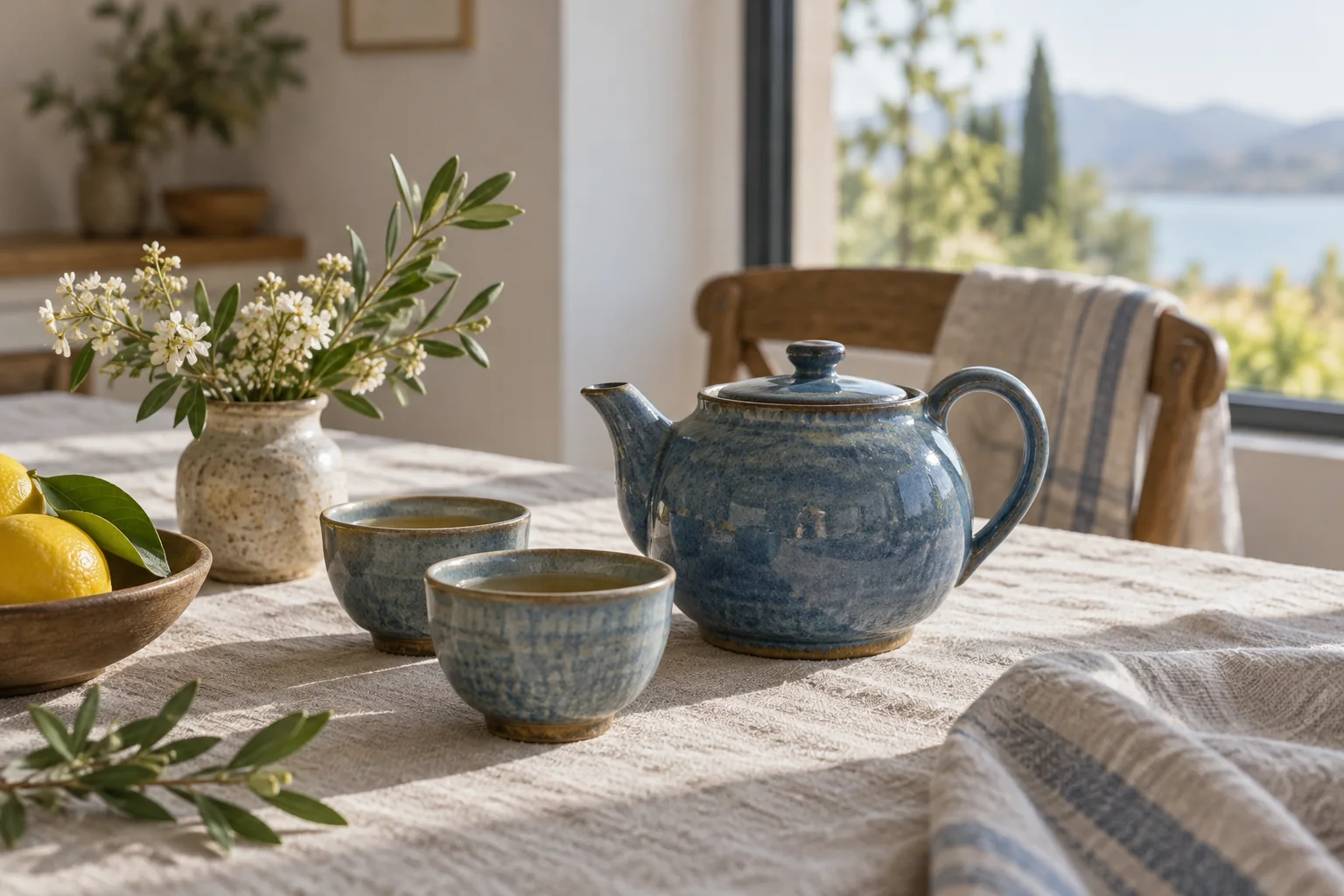
“Editorial still-life photograph of a mottled blue ceramic teapot with two matching tea cups on rumpled cream linen beside a sunlit window. The teapot sits center-right, cups in the foreground; a speckled vase of white blossoms, a wooden bowl of lemons and olive sprigs sit left. A wooden chair with striped linen stands behind. Soft morning light, gentle shadows, natural muted colors, tactile glaze and fabric, shallow depth of field, blurred coastal hills and blue water outside.”
How it works
From pixels back to words
PromptRewind runs the image generator in reverse: our engine looks at your picture once and writes the prompt that would recreate it.
Reads the whole picture
Subject, setting, composition, style, lighting and mood, in one paste-ready prompt of up to 500 characters.
Works anywhere
Use the prompt here, or in Midjourney, Stable Diffusion, DALL·E, Flux or any other generator. Ten free conversions a day.
Private by construction
Resized in your browser to 768 px before upload, analyzed once, deleted within 24 hours and usually within seconds.
Worked examples
Real pictures, real prompts, and what they generate
Each row is an actual run: a picture made with PromptRewind, the unedited prompt our engine wrote for it, and where available a brand-new image generated from that prompt alone. Nothing below was written by hand.
Input · Still life photo The prompt our engine wrote“Editorial still-life photograph of a mottled blue ceramic teapot with two matching tea cups on rumpled cream linen beside a sunlit window. The teapot sits center-right, cups in the foreground; a speckled vase of white blossoms, a wooden bowl of lemons and olive sprigs sit left. A wooden chair with striped linen stands behind. Soft morning light, gentle shadows, natural muted colors, tactile glaze and fabric, shallow depth of field, blurred coastal hills and blue water outside.”
481 characters, unedited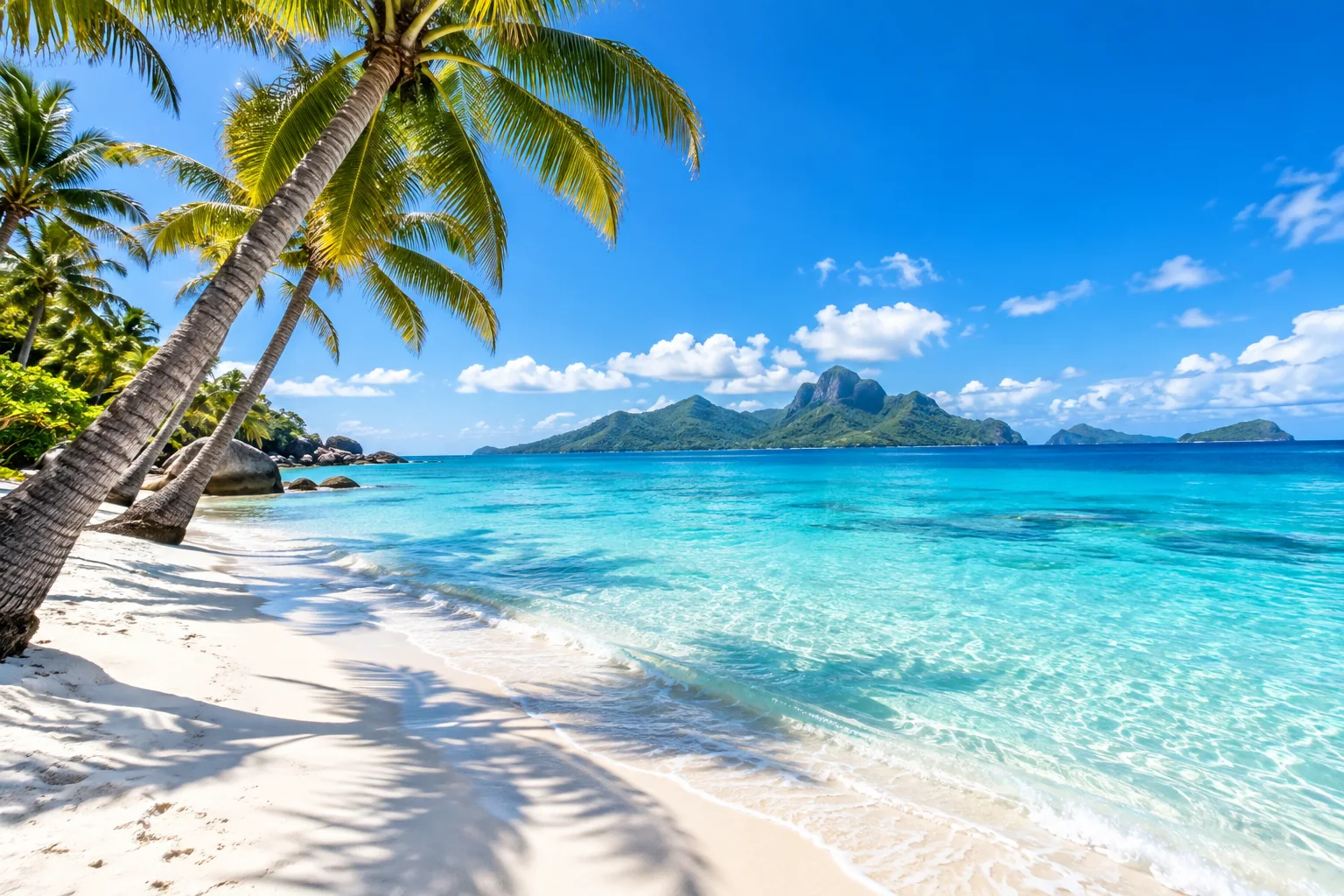
Input · Travel photo The prompt our engine wrote“Bright photorealistic tropical travel photograph: leaning coconut palms enter from the upper left above a pristine white-sand beach, casting crisp frond shadows across the foreground. Clear turquoise shallows ripple onto shore, deepening to cobalt blue toward a lush volcanic island with a jagged central peak on the horizon. Dense greenery borders the left shoreline; a vivid blue sky with scattered white clouds fills the top. Wide-angle composition, brilliant midday sun, natural vivid colors.”
496 characters, unedited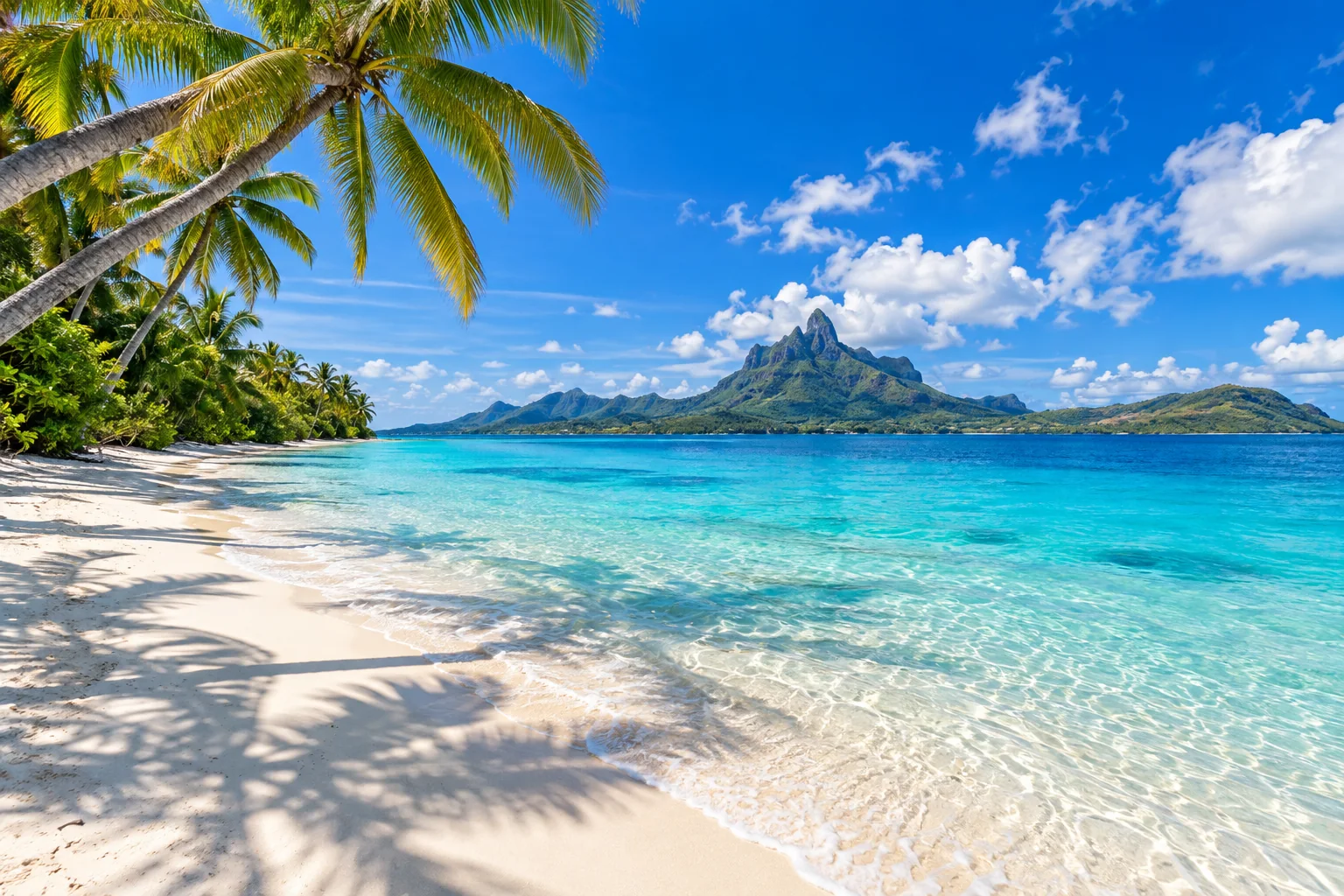
Generated again from that prompt alone
The third image in a row never copies pixels from the first; it is generated from the text in the middle. That is also how the Copyright free tool produces a usable alternative to an image you cannot use.
Anatomy of a prompt
How to read a prompt back out of an image
A good prompt is not a caption. It is a recipe in six parts, and that is the order our engine writes them in. Knowing the parts lets you edit the result with intent.
Subject
What the picture is of, and how many of them.
“a mottled blue ceramic teapot with two matching cups”
Setting
Where it is, what surrounds it, time of day.
“on rumpled cream linen beside a sunlit window”
Composition
Where things sit in the frame, the camera angle and distance.
“teapot center-right, cups in the foreground”
Style
Medium and genre: photo, oil painting, 3D render, woodblock print.
“editorial still-life photograph”
Lighting
Direction, hardness and color of the light.
“soft morning light, gentle shadows”
Finish
Color palette, texture, depth of field, grain.
“natural muted colors, tactile glaze, shallow depth of field”
Editing the prompt you get
- Change one part at a time. Swap the subject and keep the light and style to get a matching series; swap the style and keep everything else to restyle the same scene.
- Cut what you do not want. Removing the finish sentence gives the generator more freedom; removing the composition sentence changes the framing most.
- Keep concrete nouns, drop adjectives. “Brass lamp, nautical map, chipped mug” steers a generator better than “cozy, beautiful, detailed”.
- Add shape and file type at the end here, or your own parameters in other tools.
Where the prompt works
- PromptRewind: click “Generate from this” and the prompt lands in the free image generator with shape and file type pickers.
- Midjourney: paste after
/imagine; add aspect and stylize parameters at the end. - Stable Diffusion and Flux: paste as the positive prompt; add your usual negative prompt separately.
- DALL·E and ChatGPT: paste as-is; those models prefer full sentences, which is how the prompt is written.
The studio
One studio, one rule: real output only
Images, music and video, in and out of words. Each tool has its own free daily allowance. Music to prompt and video to prompt are in private beta and take sign-ups; the two marked coming soon open later.
Image to prompt
Upload any picture and get the detailed prompt that describes it: subject, style, light.
10 free a dayOpenPrompt to image
One real image per prompt, in square, landscape, or portrait, as PNG, JPEG, or WebP.
3 free a dayOpenCopyright free
Can't use an image? Rewind it to words and generate a brand-new one inspired by it.
Counts as 1 imageOpenMusic to prompt
Upload a track up to 7 minutes and get a text-to-music prompt: genre, tempo, mood, production.
Private betaOpenVideo to prompt
Upload a short clip and get the prompt that describes it: subject, motion, camera, light, style.
Private betaOpenPrompt to music
Describe a track and get a real generated piece of music to download.
Coming soonOpenPrompt to video
Describe a scene and get a short, real generated clip to download.
Coming soonOpen
FAQ
Image to prompt, honestly
What does an image-to-prompt tool actually do?
It runs the image generator in reverse. You upload a picture; our engine looks at it once and writes the text prompt that would recreate it: subject, setting, composition, style, lighting and finish. You get a plain-text prompt you can paste anywhere.
Is image to prompt free on PromptRewind?
Yes. Ten conversions per visitor per day, free, with no account and no credit card. The allowance is separate from the three free images a day on the prompt-to-image page and resets at midnight UTC.
Which image files can I upload?
JPEG, PNG and WebP. Your browser resizes the picture to at most 768 pixels on the long edge before anything is uploaded, so large originals are fine and never leave your device at full size.
What happens to my picture?
It is analyzed once and deleted as soon as your prompt is delivered, in every case within 24 hours. There is no gallery, no history and no training on your uploads. The privacy notice has the details.
Does the prompt name the artist, the model or the people in the photo?
No. The prompt describes what is visible: subject, scene, style and light. It does not identify real people, does not name living artists and does not guess which generator made an image.
Can I use the prompt in Midjourney, Stable Diffusion or DALL·E?
Yes. The output is plain descriptive text, which every current generator accepts. Midjourney users usually append their own parameters; Stable Diffusion users may add a negative prompt. Or click "Generate from this" to use it in PromptRewind's own free image generator.
How accurate is it?
Good enough that a new image generated from the prompt alone resembles the original in subject, composition and mood, as the worked examples on this page show. It will not reproduce an exact face, logo or piece of text, and it is not meant to.
The example pictures on this page were generated with PromptRewind; every prompt shown is our engine's real, unedited output.
Last updated · written and maintained by the PromptRewind team at Promptr Rewind AG.